How to Choose Between Cloud vs Desktop Pharmacy Software
"Cloud or desktop?" is the wrong debate. The right question for a pharmacy is about uptime and ownership: can I bill right now with no internet, and can I walk away with my data? Frame it that way and the choice gets simple.
Ask One Question First
At 8 PM in a Tier-2 market with a flaky ISP, "cloud-native" means the counter stops. Billing is a real-time, money-at-the-till activity; it cannot queue politely for connectivity. Everything else — analytics, backups, updates — can wait. Billing cannot.
The Honest Comparison
| Dimension | Cloud SaaS | Desktop (local DB) |
|---|---|---|
| Billing without internet | Stops (unless offline mode, rare) | Unaffected |
| Data location | Vendor's servers | Your computer |
| Speed at the counter | Network latency per action | Local instant |
| Ongoing cost | Per month, per user, forever | License + optional plan |
| Multi-location access | Anywhere | Shop network (LAN), plus owner reports on the phone |
| Vendor outage / shutdown risk | Your problem | None |
The Five-Year Cost
Cloud pricing punishes success: every new counter, every new user, every year adds subscription cost. A one-time desktop licence (PharmaBill Lifetime is ₹14,999 + GST, with all future updates and optional Care at ₹1,499 a year from year 2) typically costs a fraction over five years — and it comes with a guaranteed final offline build if the vendor ever stops.
Data Ownership: Who Holds the Keys
- Can you export everything in open formats today?
- If the subscription ends tomorrow, does billing continue?
- Are backups encrypted with a key only you hold?
Three "yes" answers mean you own your data. Anything less is a rental.
The Pragmatic Answer: Offline-First + Optional Backup
The modern compromise is not a compromise at all: a desktop application with a local database for billing — and optional, scheduled, client-side encrypted cloud backup for safety. You get cloud-grade disaster recovery without cloud-grade dependency. Add LAN multi-counter access and a mobile reports hub, and nothing important needs the internet.
When Each Option Makes Sense
- Choose desktop / offline-first if your internet drops even once a week, you bill in the evening rush, or you want your data on your own computer.
- Choose cloud if every location has reliable internet, many people need to work from outside the shop, and you are comfortable with a monthly fee per user.
- Either way, insist on a full data export you can open in Excel, encrypted backups, and a clear answer to "what happens if I stop paying?"
FAQ
- Is cloud ever better? For chains with always-on connectivity and heavy remote work, pure cloud can fit. For retail and hospital counters, offline-first dominates.
- What about auto-updates? Desktop apps update in the background when online, with version snapshots and one-click rollback.
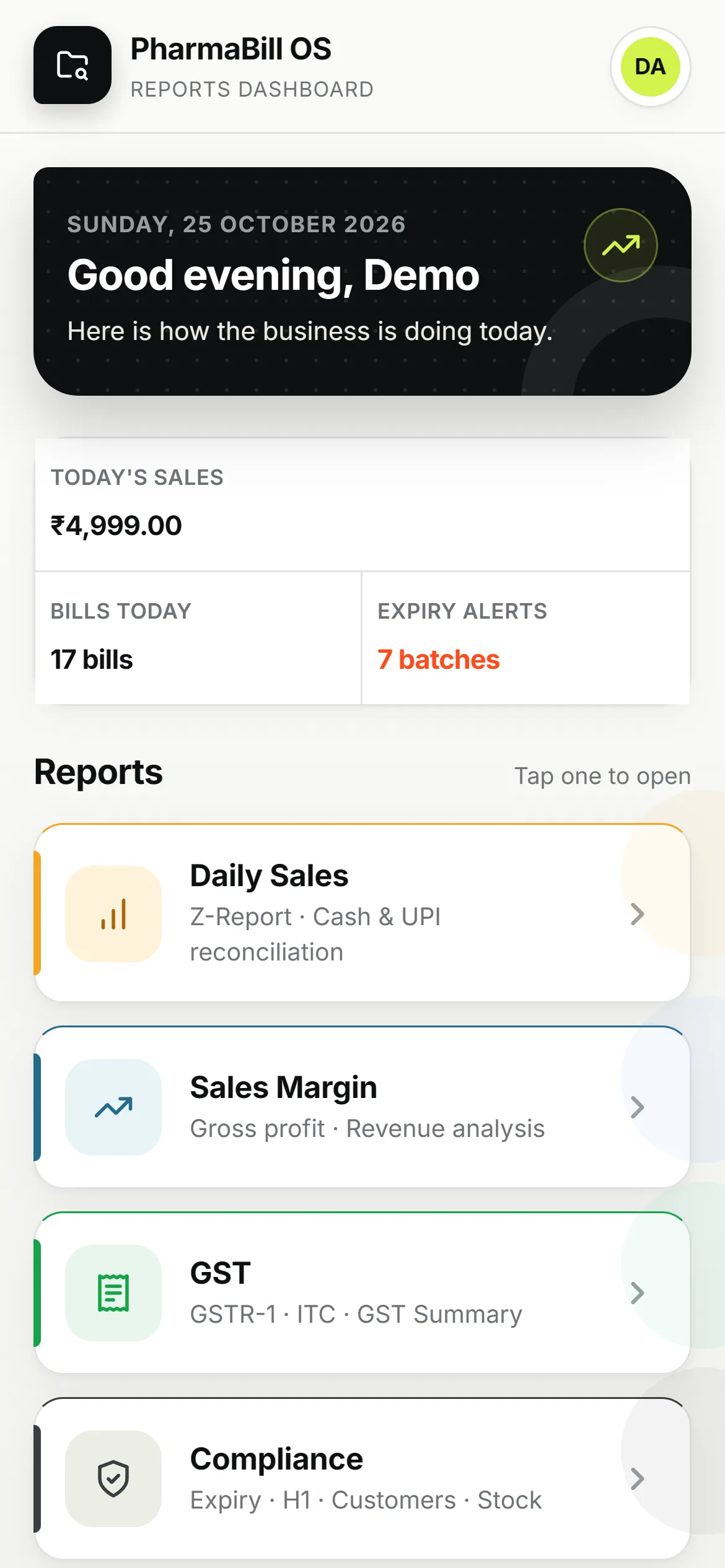
- Can owners check reports on their phone? Yes — the Mobile Reports Hub shows daily sales, margins, GST and compliance reports in a phone browser on the shop network.
PharmaBill OS handles offline-first architecture automatically.
Book a free live demo — 15–30 minutes, on your schedule.
About the Author
Compliance & product specialists at PharmaBill — building billing software for Indian pharmacies, hospitals and labs.
Related Articles
Best Pharmacy Billing Software in India — 2026 Buyer's Guide
What to evaluate before you buy: compliance depth, offline reliability, hardware fit and the hidden costs vendors do not mention.
PharmaBill vs Manual Billing: Why Your Medical Shop Needs Software in 2026
What manual billing actually costs a medical shop in time, expiry losses and GST risk — with the real math.
AI in Pharmacy: How MCP Analytics Is Changing Drug Store Management
Plain-English questions, instant answers from your own data — with read-only security that keeps AI out of your ledger.